Profile avatars
Use the Harry Potter AI Portrait Generator to create a wizard-style profile image for social accounts, fan communities, Discord servers, or roleplay groups.
Turn a clear photo into a polished Harry Potter-inspired wizard portrait shaped by your house colors, mood, and magical identity.
Designed for fan profiles, roleplay keepsakes, party avatars, and social posts that need a personal magical portrait.
Upload a photo, select a house, and start a 10 Galleon generation.
Selected house: No house selected
Selected gender: No portrait gender selected
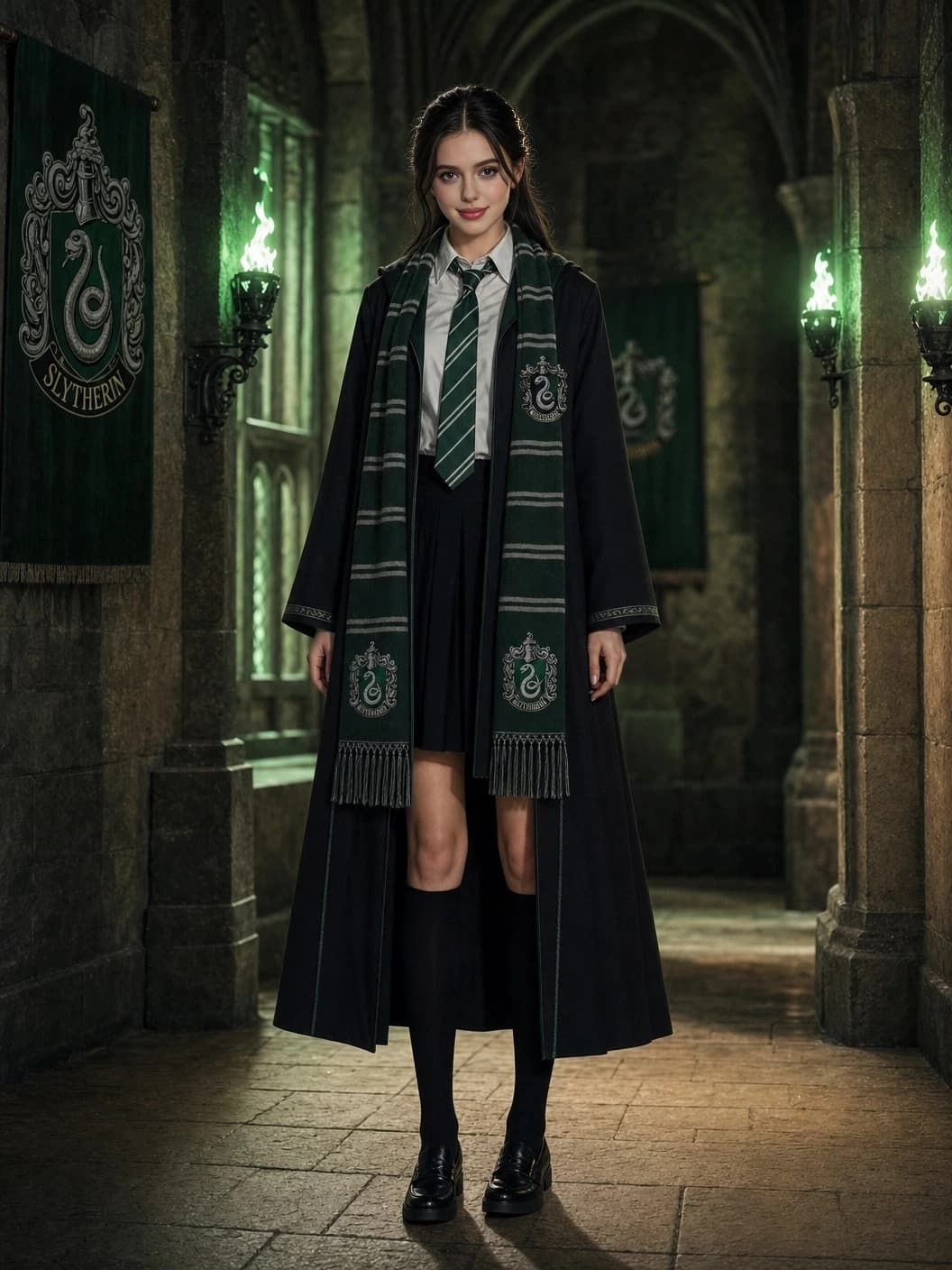
The Harry Potter AI Portrait Generator reads your uploaded photo, then applies a house-led art direction so the final image feels like a character portrait rather than a generic filter.
Choose the house that fits the mood you want: brave and cinematic, clever and composed, warm and grounded, or sharp and dramatic.
The Harry Potter AI Portrait Generator is designed for fans who want a polished magical image they can actually use, not just a one-off effect.
Use the Harry Potter AI Portrait Generator to create a wizard-style profile image for social accounts, fan communities, Discord servers, or roleplay groups.
Turn guest photos into house-inspired keepsakes for birthday parties, watch nights, cosplay events, or classroom activities with a magical theme.
Build a consistent portrait for your student, professor, prefect, seeker, or original wizard character while keeping the face from your uploaded photo recognizable.
The Harry Potter AI Portrait Generator gives you a finished image that is easy to download, save, and share with friends after the generation completes.
A few photo choices help the Harry Potter AI Portrait Generator produce cleaner faces, stronger house atmosphere, and a more convincing wizard portrait.
A front-facing or slightly angled portrait works best. Avoid group photos, covered faces, heavy sunglasses, and images where the face is tiny.
Soft daylight or even indoor lighting helps preserve facial detail. Very dark photos, harsh shadows, or blown-out highlights can reduce the final quality.
Gryffindor feels heroic, Ravenclaw feels refined, Hufflepuff feels warm, and Slytherin feels dramatic. The selected house guides the portrait palette and atmosphere.
Generated portraits are temporary, so save the finished image once you like it. You can always return to the Harry Potter AI Portrait Generator for another version.
A simple three-step flow keeps the result personal and house-specific.
Choose a front-facing image with one clearly visible face, natural lighting, and no heavy filters.
Select Gryffindor, Hufflepuff, Ravenclaw, or Slytherin to guide palette, wardrobe mood, and atmosphere.
Spend 20 Galleons, wait for the render to complete, then download or share the finished portrait.
Each house changes the tone of the portrait without changing who you are in the photo.
Bold, heroic, and warm.
Crimson and gold accents, confident lighting, and a cinematic great-hall finish.
Composed, observant, and refined.
Deep blue notes, bronze details, and a scholarly atmosphere with crisp facial focus.
Grounded, friendly, and steady.
Soft golden warmth, natural textures, and an approachable portrait-room mood.
Elegant, ambitious, and dramatic.
Emerald highlights, polished shadows, and a more formal high-contrast composition.
Here are some examples of AI-generated Harry Potter portraits. Upload your photo to create your own!
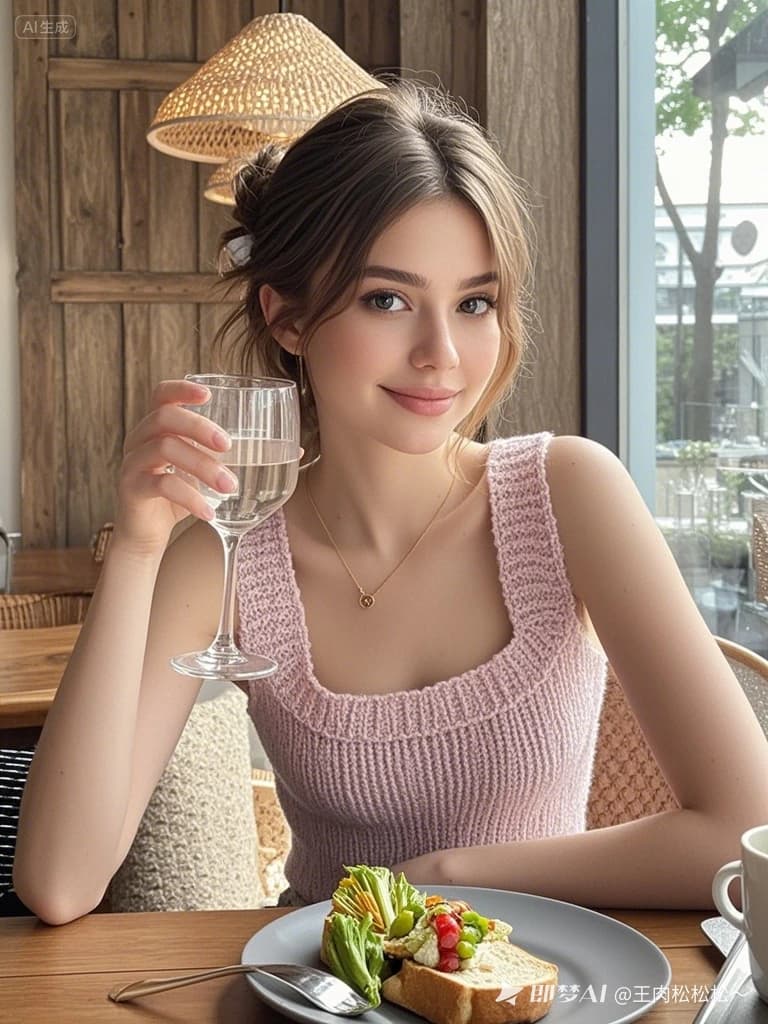
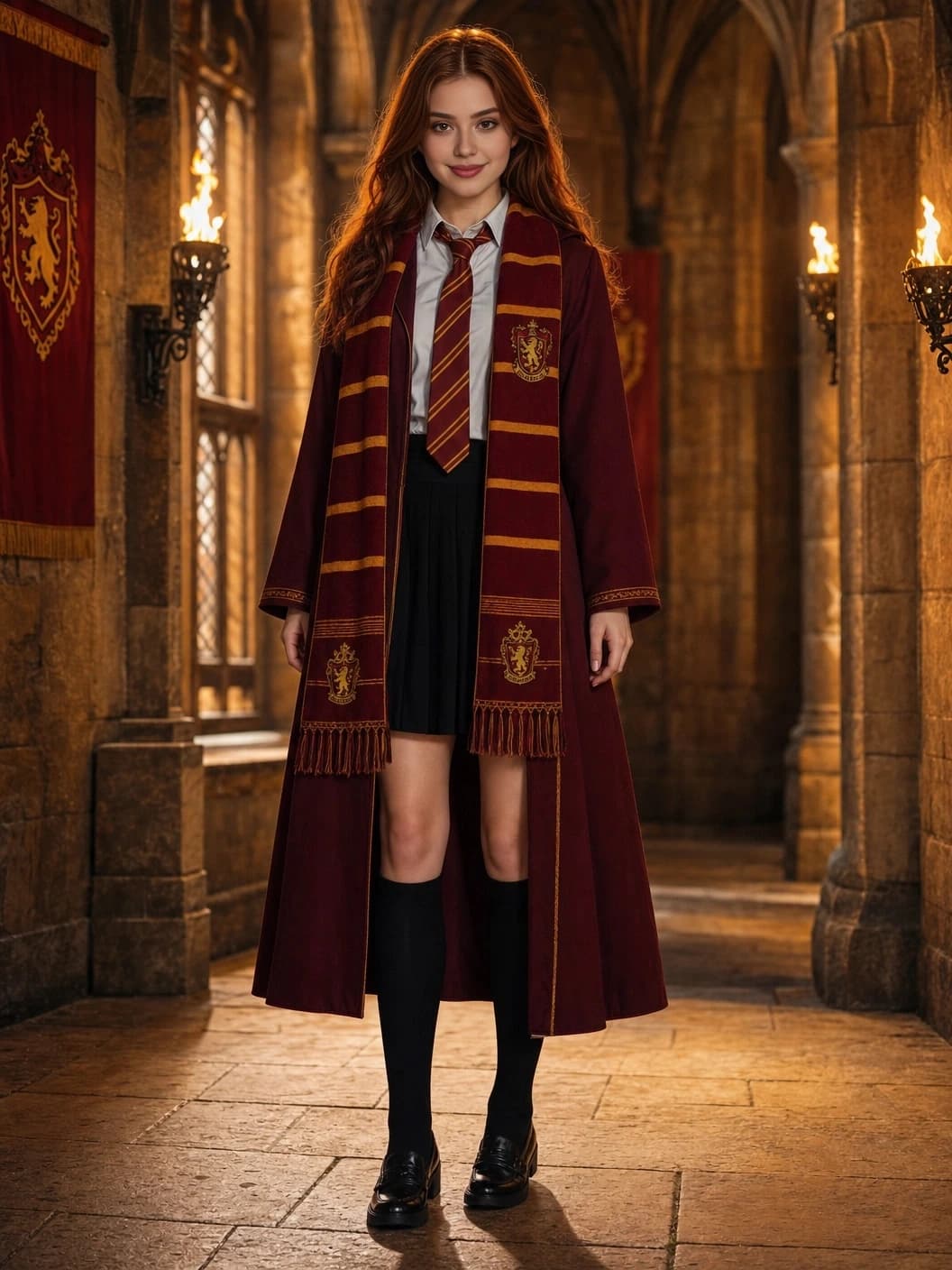
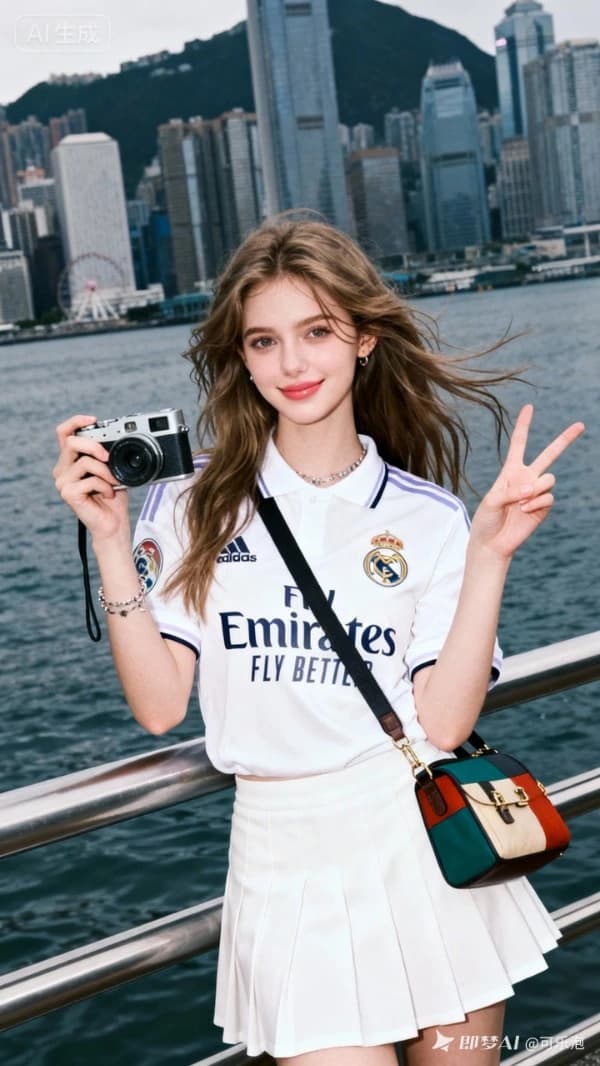
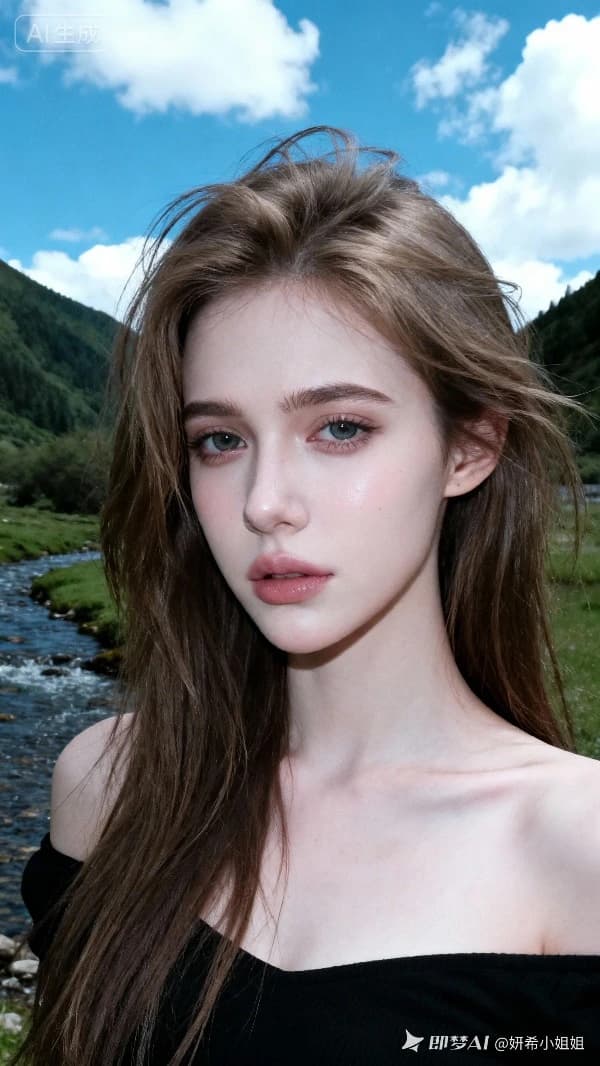
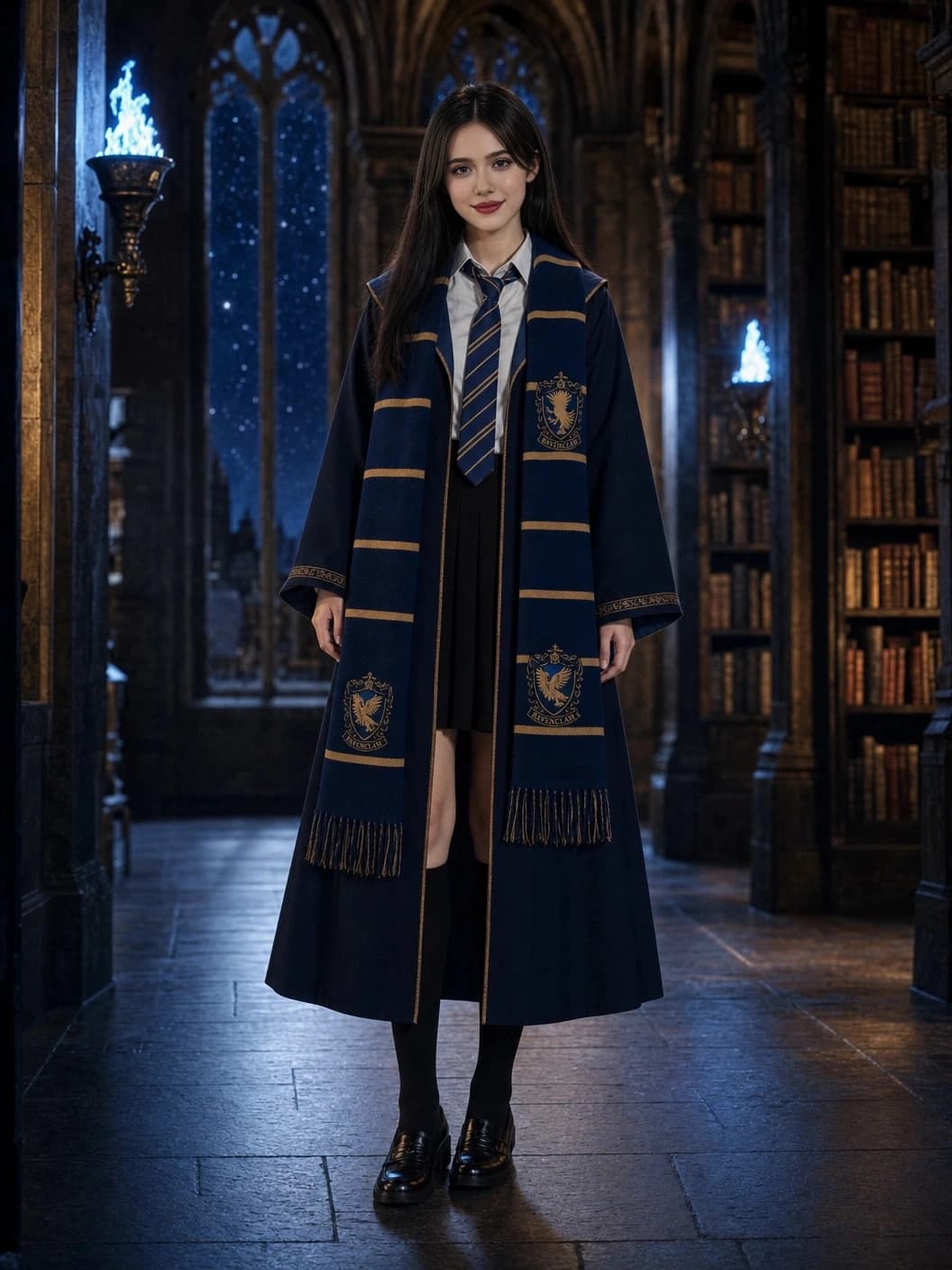
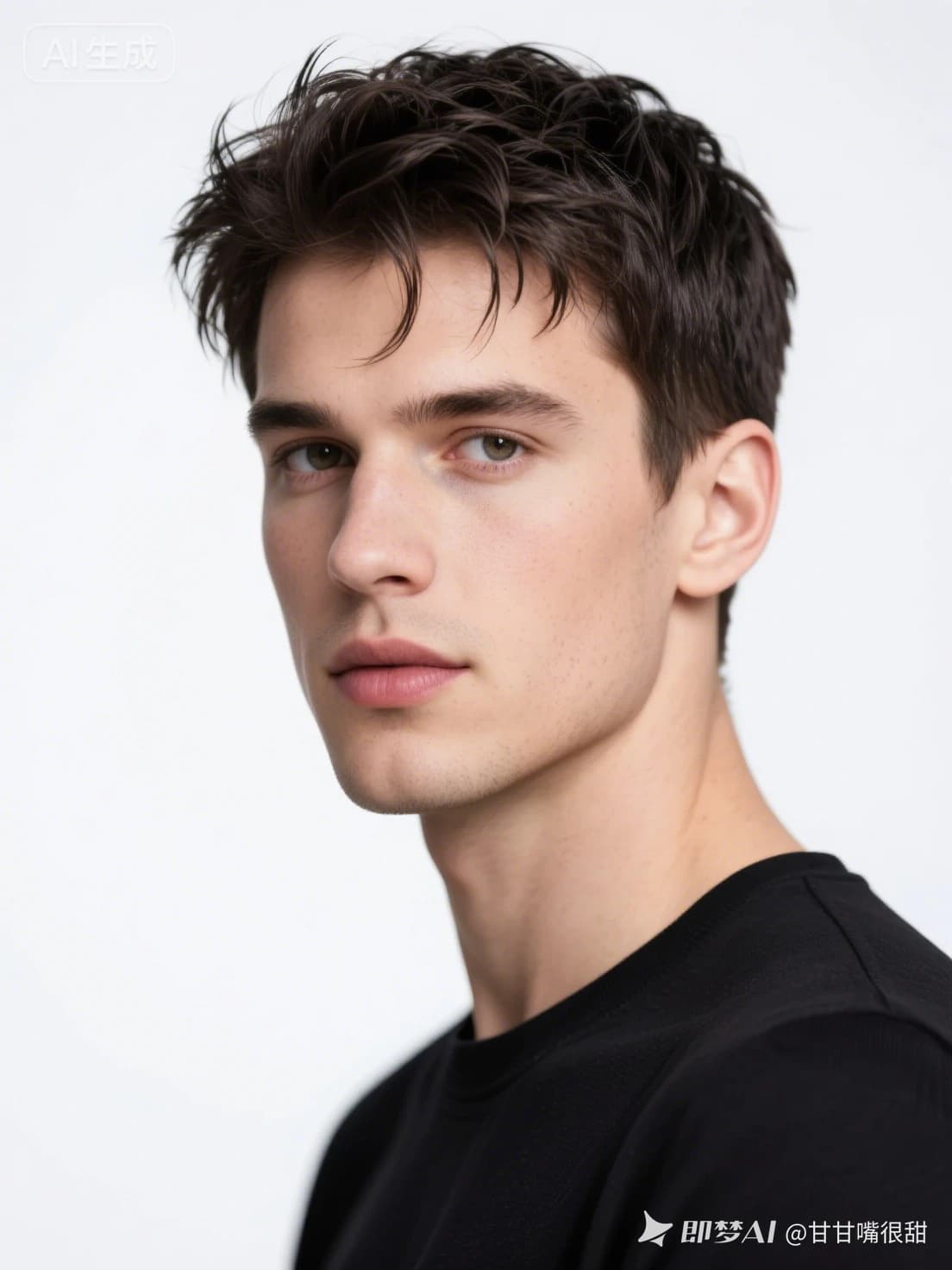
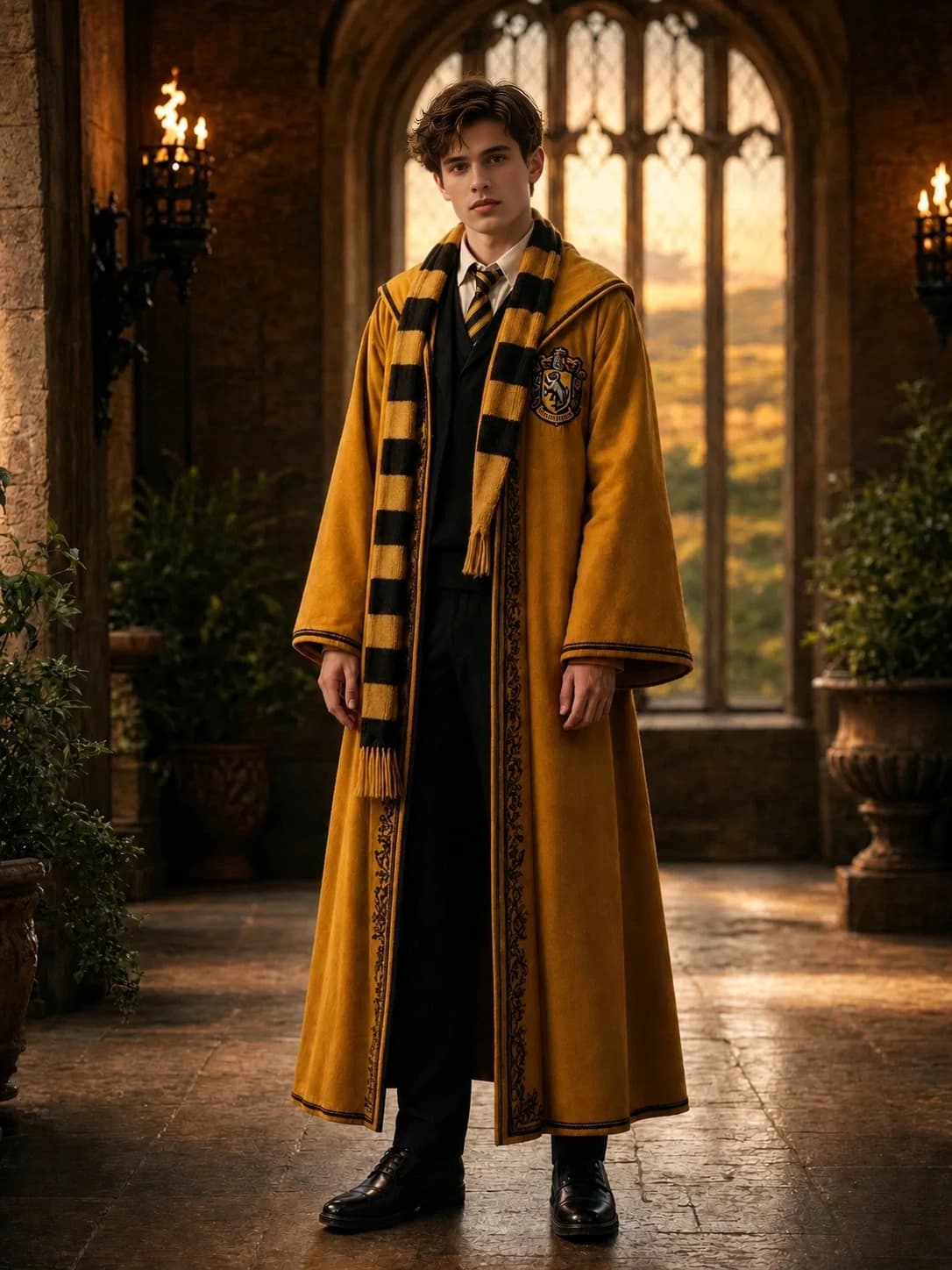
This Harry Potter AI Portrait Generator focuses on fan-friendly wizard portraits shaped by house color, facial clarity, and a magical portrait-room mood. It is built for users who want a recognizable result from a real uploaded photo.
Unlike a generic fantasy filter, the Harry Potter AI Portrait Generator asks you to choose a house direction first, then uses that choice to guide lighting, wardrobe feeling, palette, and atmosphere.
You can use the Harry Potter AI Portrait Generator for avatars, roleplay profiles, party keepsakes, social posts, and personal magical identity images. Upload a clear photo, spend Galleons, and keep the finished portrait once the render is complete.
Need more credits? Choose a package and continue creating portraits.
Galleon packages are not available right now. Please try again later.
What to know before uploading a photo or spending Galleons.
Most results from the Harry Potter AI Portrait Generator finish in about 60-90 seconds after the request starts. Busy provider queues or large uploads can add a short delay.


